

Advanced WebKit Message Views

Make every conversation look different.

Message Views are self-contained Proteus themes powered by WebKit. They can transform the conversation area with custom typography, translucency, artwork and layout while keeping the surrounding Proteus interface familiar.

Proteus Message Views Finder icon
Message View file Look for this icon In Finder, every Proteus Message View uses it — double-click one to install.
Message View

Pixellate

A spacious, modern conversation view with full-width rounded message panels, clear sender details and softly tinted blue and green message states.

Variants included: Standard and Compact.

© Richard Gilbert 2026

Download Pixellate
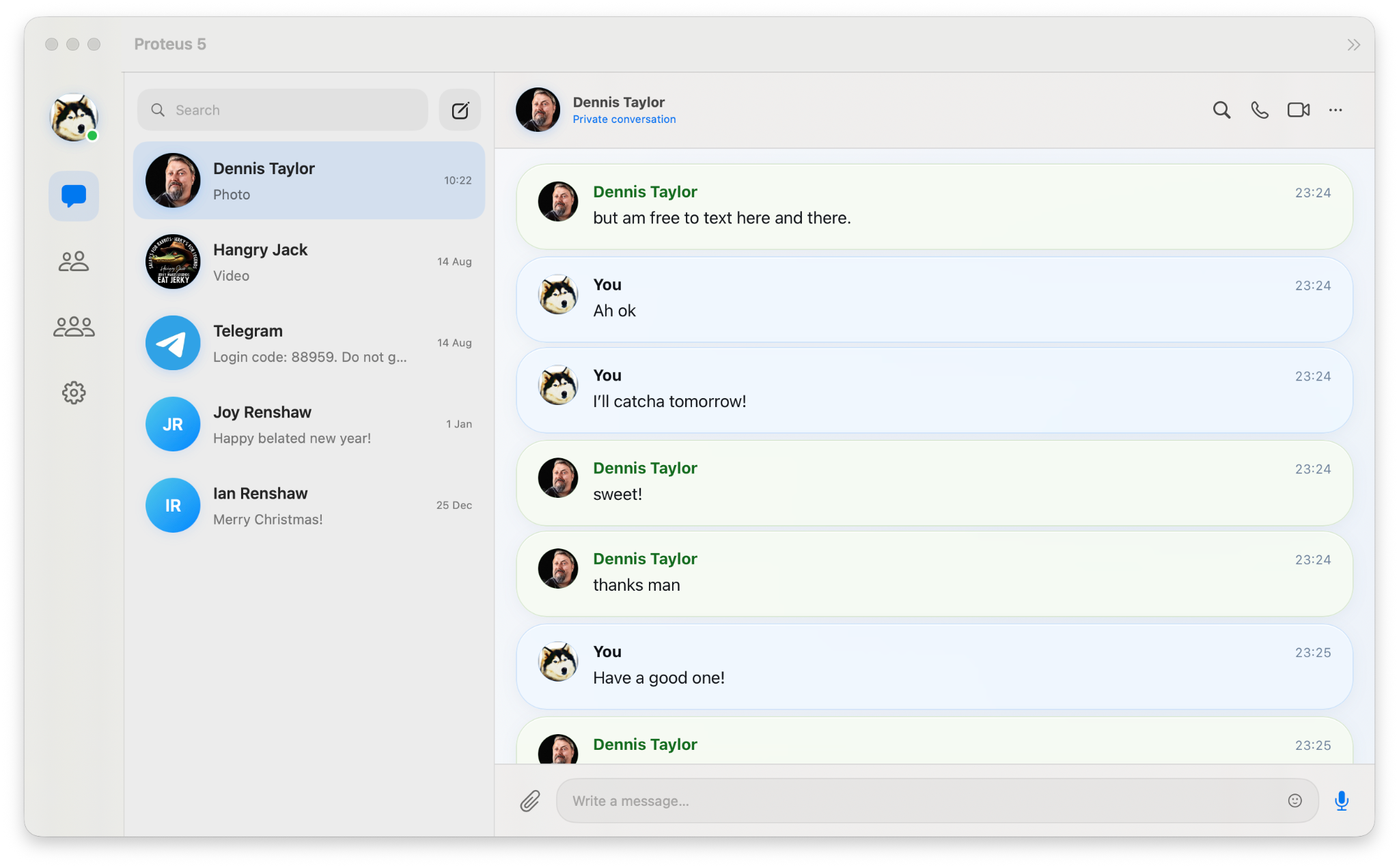
Pixellate Message View shown in a Proteus 5 conversation
Message View

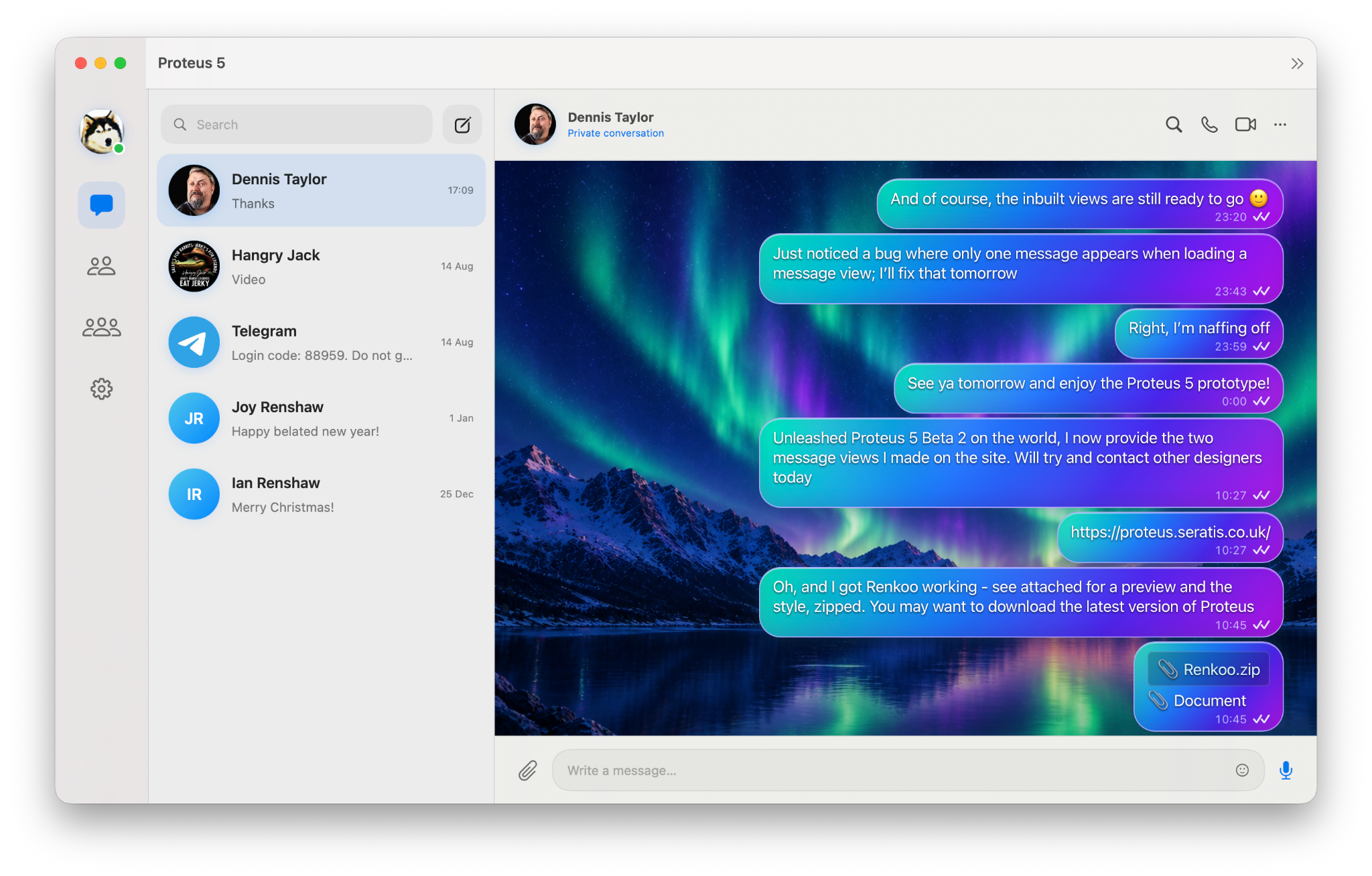
Aurora

A luminous northern-lights theme with a deep alpine backdrop, glowing cyan outlines and vivid blue-to-violet outgoing messages.

© Richard Gilbert 2026

Download Aurora
Aurora Message View shown in a Proteus 5 conversation
Message View

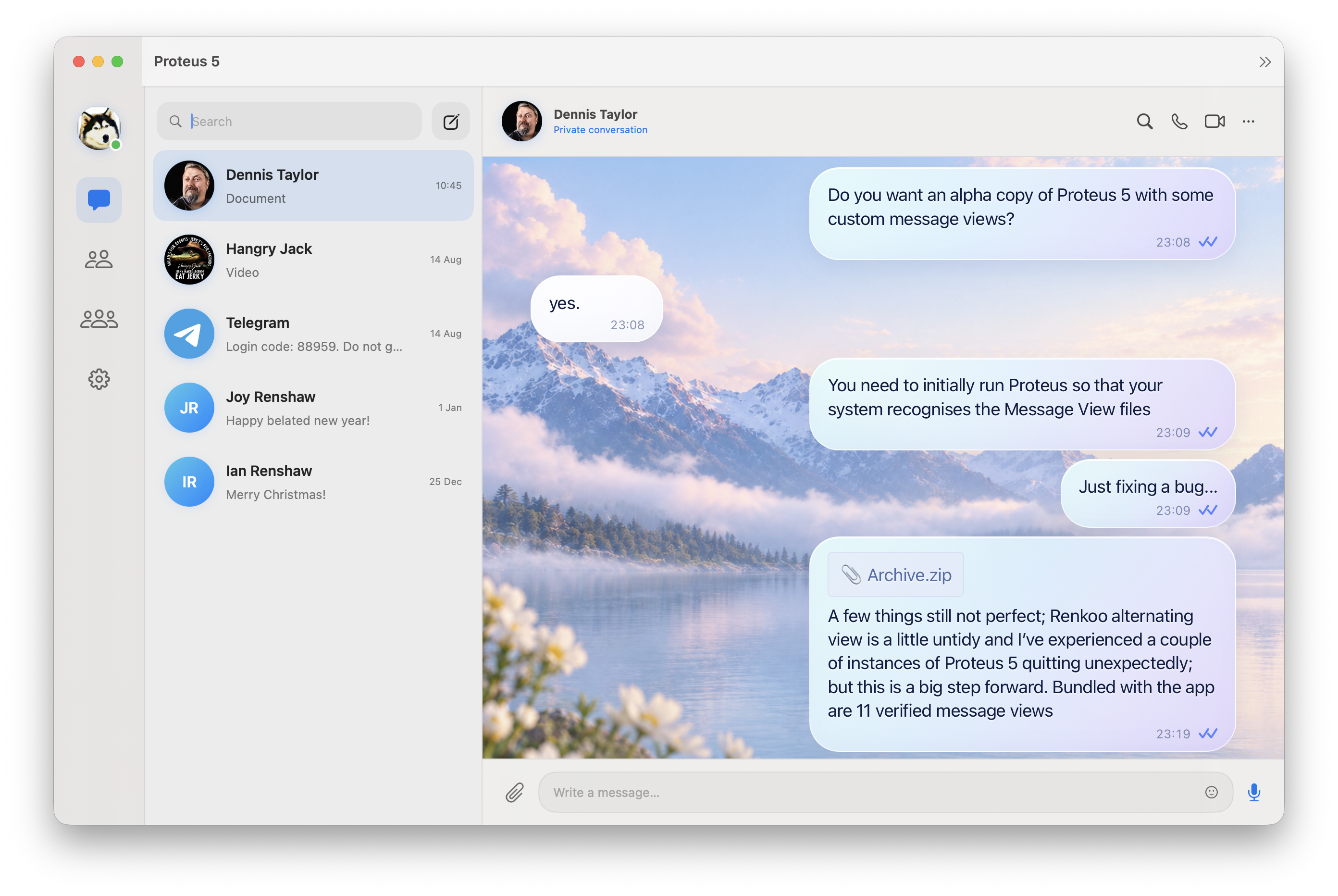
Cloud

A soft, airy conversation theme pairing a pastel mountain landscape with frosted message bubbles and crisp navy typography.

© Richard Gilbert 2026

Download Cloud
Cloud Message View shown in a Proteus 5 conversation
Message View

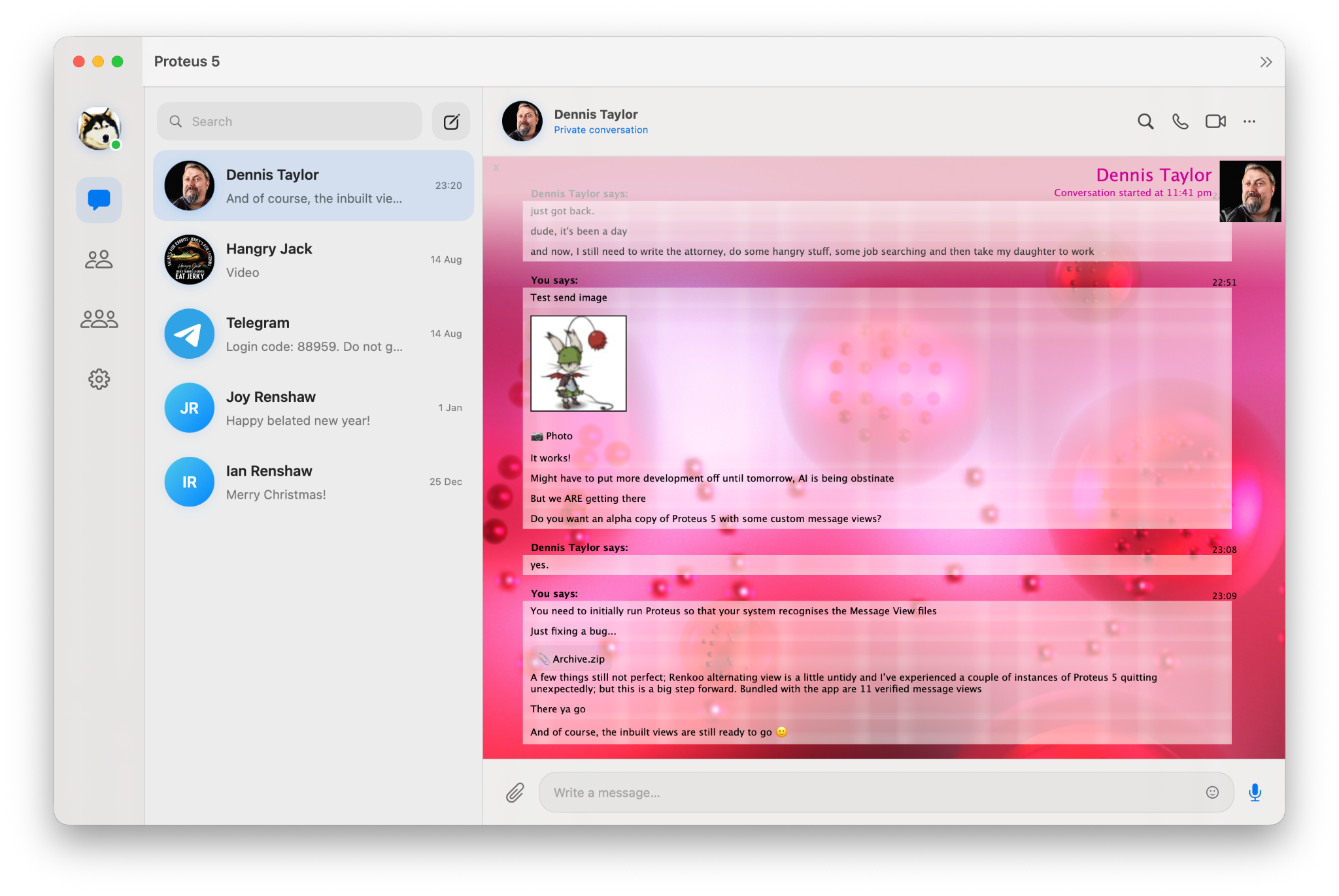
Juice

A vivid collection of translucent, image-backed conversation styles. Juice comes with a broad set of variants, from restrained graphite to saturated fruit-inspired palettes.

Variants included: Tangerine Fusion, Strawberry Parabola, Tangerine Melt, Graphite Motion, Blueberry Union, Lime Horizon, Grape Gravity, Strawberry Baby and Grape Mission.

© Richard Gilbert 2026

Download Juice
Juice Strawberry Baby variant preview
Message View

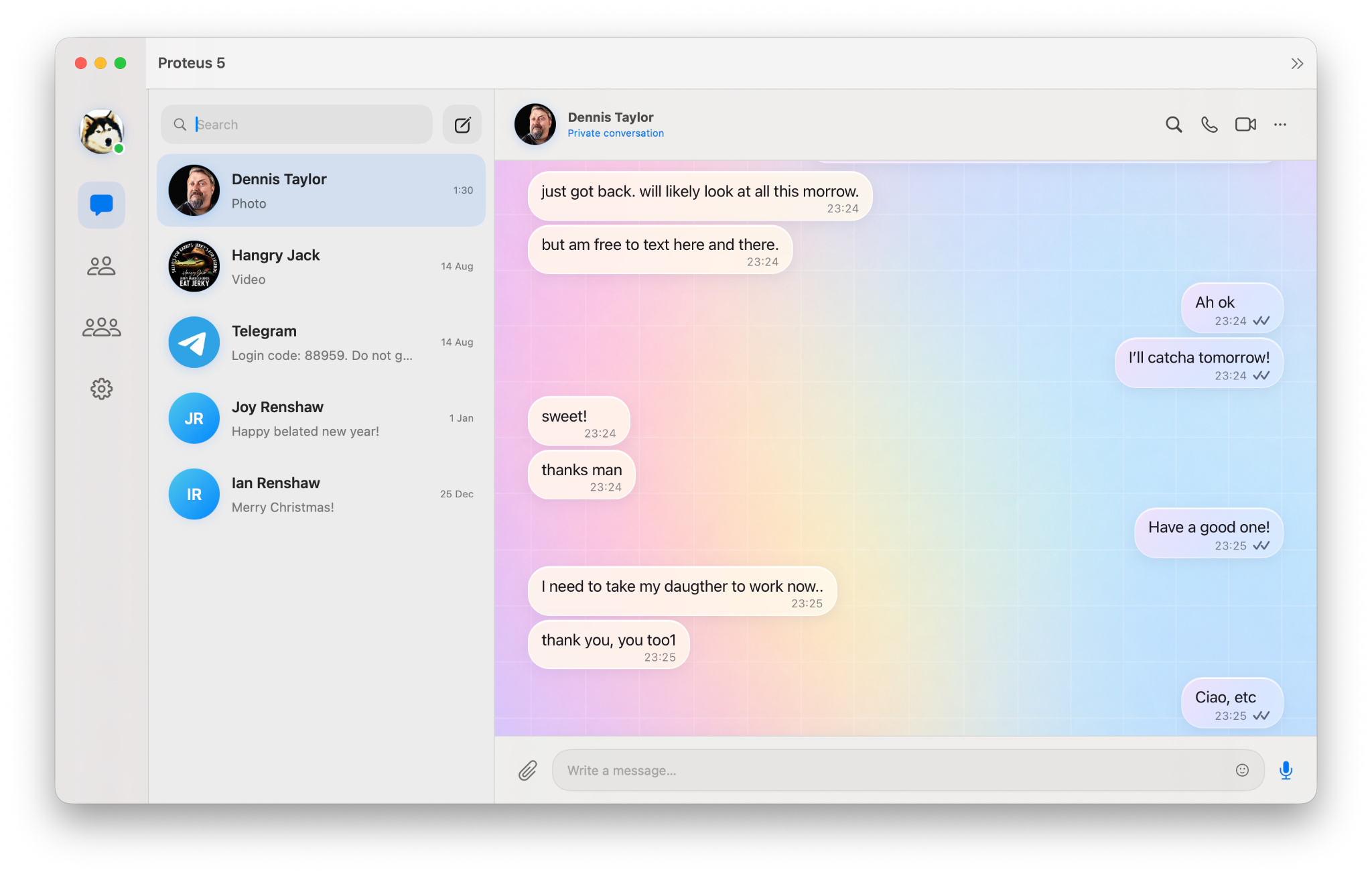
Powder

A bright, powder-soft conversation style with a pastel rainbow wash, delicate grid texture and translucent rounded message bubbles.

© Richard Gilbert 2026

Download Powder
Powder Message View shown in a Proteus 5 conversation
Message View

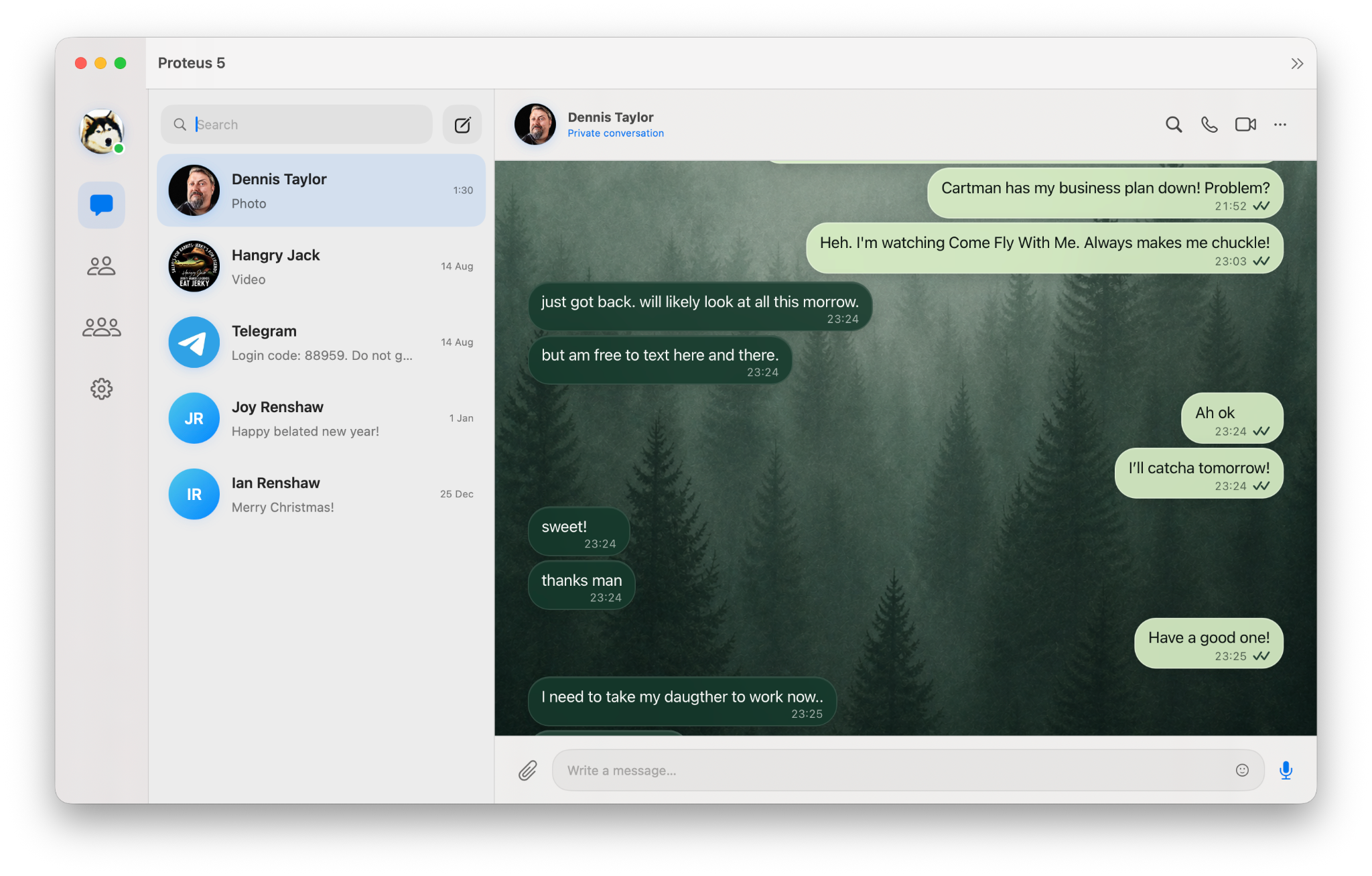
Forest

A calm, atmospheric theme built around a misty evergreen backdrop, deep green incoming messages and soft sage outgoing bubbles.

© Richard Gilbert 2026

Download Forest
Forest Message View shown in a Proteus 5 conversation
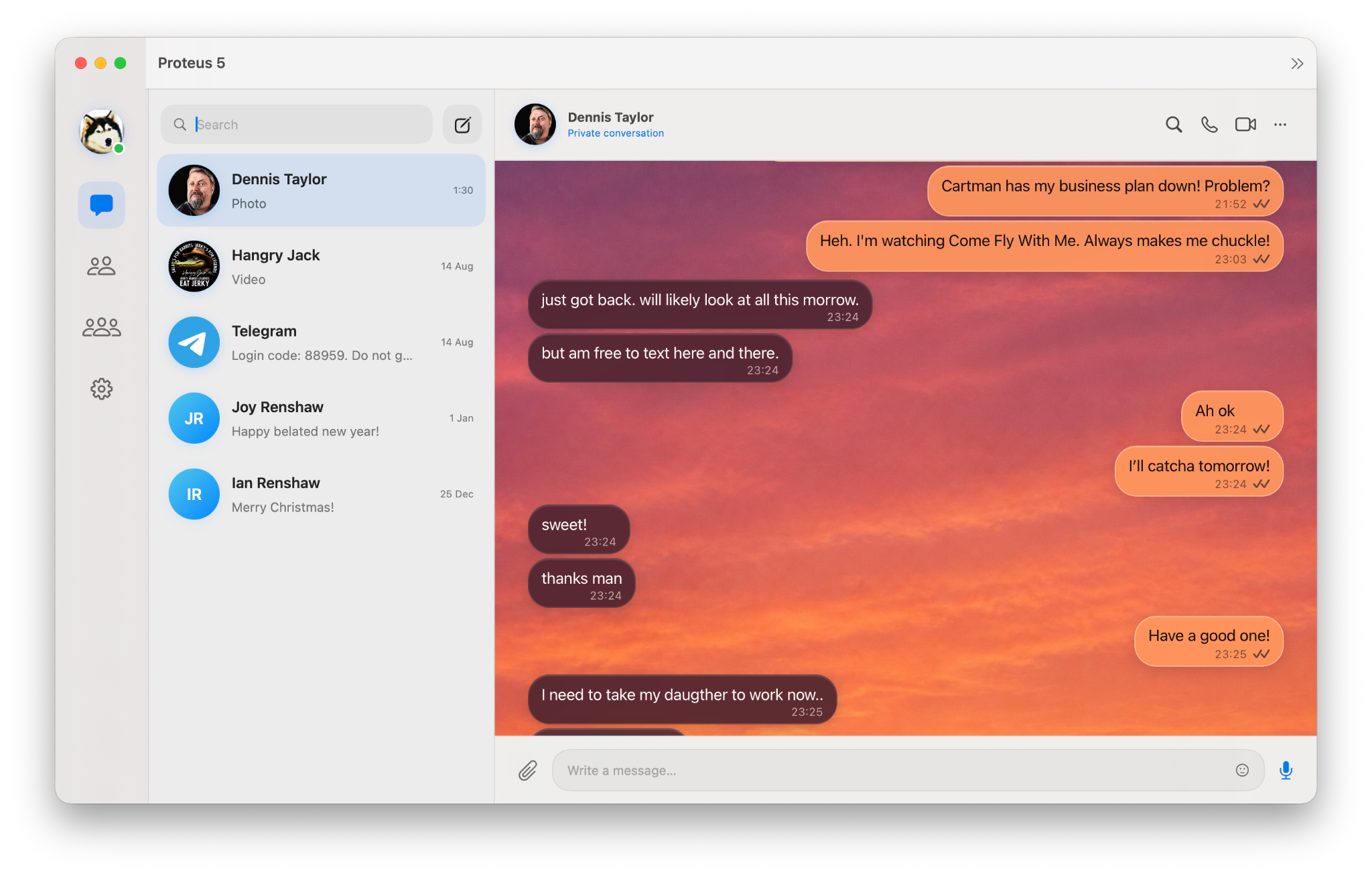
Message View

Blaze

A warm sunset-inspired view with saturated orange skies, ember-toned incoming messages and bright tangerine outgoing bubbles.

© Richard Gilbert 2026

Download Blaze
Blaze Message View shown in a Proteus 5 conversation
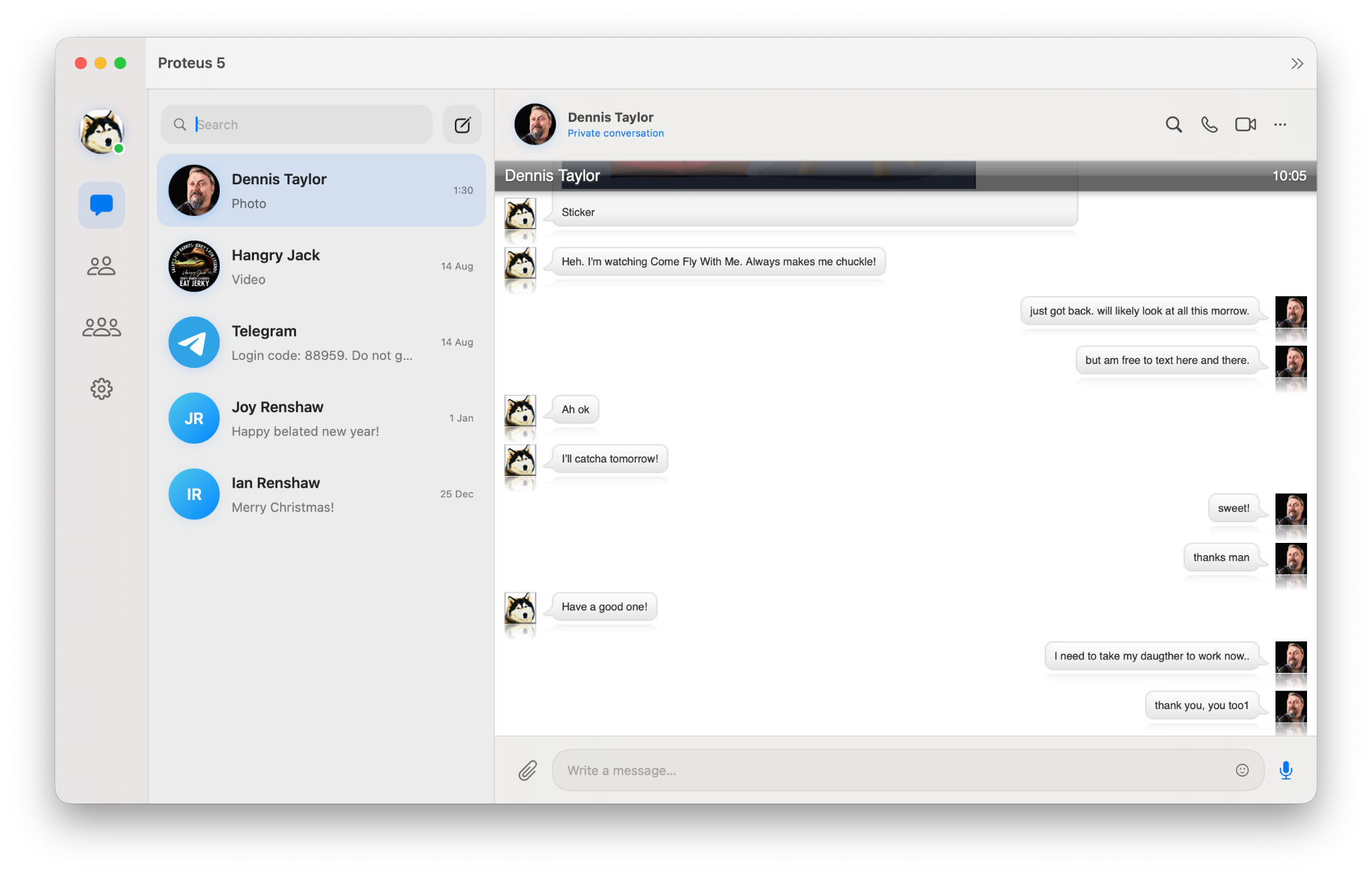
Message View

Modern Bubbling

A clean, spacious take on classic instant-message bubbles, with compact avatars, subtle shadows and an airy white conversation canvas.

© Jim Myhrberg 2026

Download Modern Bubbling
Modern Bubbling Message View shown in a Proteus 5 conversation
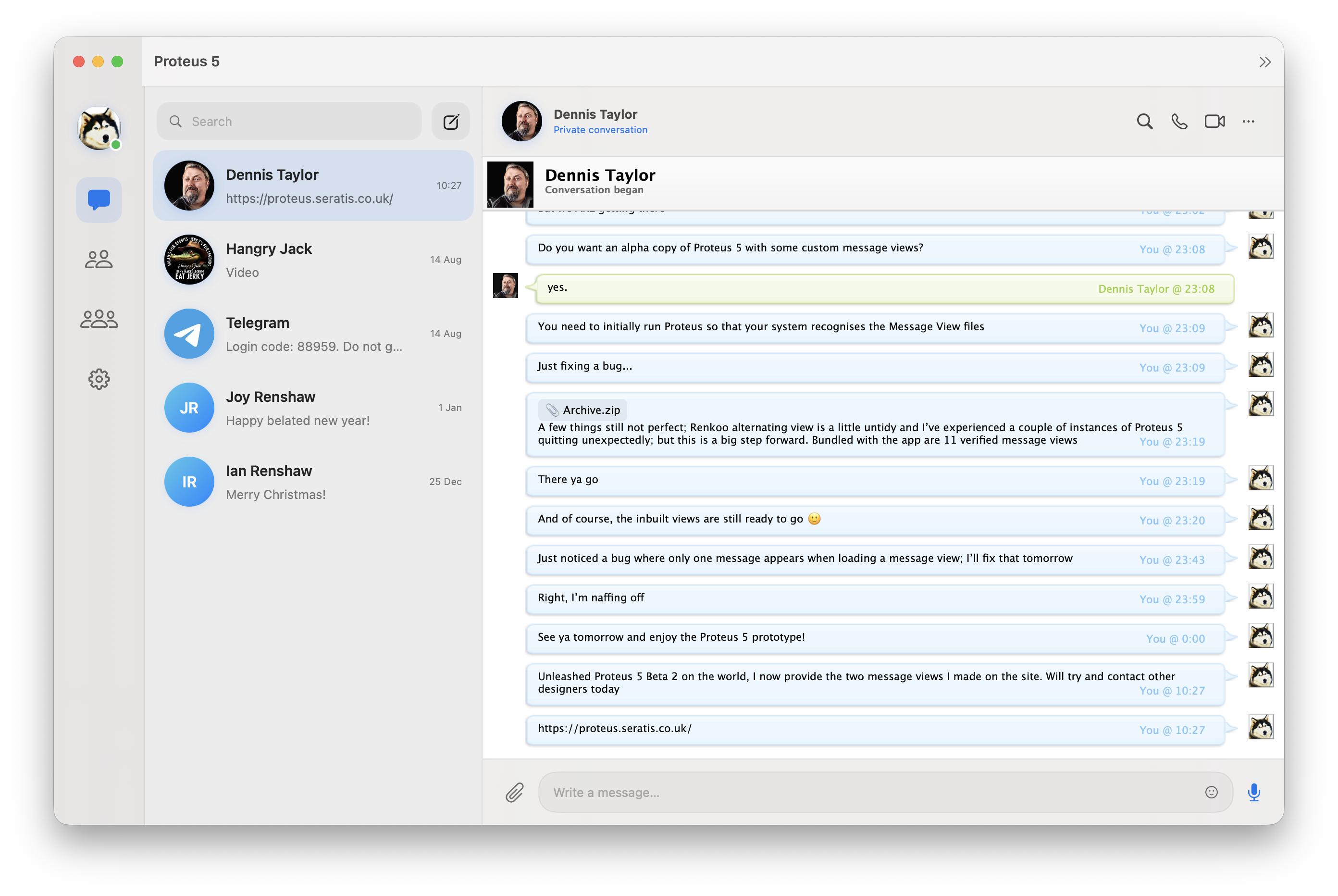
Message View

Renkoo

A crisp, classic conversation view with softly tinted message panels, compact sender details and distinctive alternating chat styling.

© Torrey Rice 2026

Download Renkoo
Renkoo Message View shown in a Proteus 5 conversation
1
Install the newest Proteus 5.Message View installation is handled by the current Proteus release.
2
Download a Message View.Choose any Message View above, then unzip the download to reveal the .proteusview file.
3
Double-click the Message View.Proteus recognises the file and installs it for you; choose any included variant from within the app.